

Smart thermostat installation is reshaping how homeowners control comfort and cut energy costs. Whether you want to save on bills, upgrade your tech, or just simplify heating and cooling, understanding the installation process and its challenges will protect your investment and time.
Key Takeaways
- AI-powered smart thermostat installation can reduce energy bills by up to 23%, making it a top upgrade for efficiency and savings.
- Easy Wi-Fi-based installation is now standard, but compatibility checks and preparation are critical before starting.
- Energy rebates and utility incentives offset initial costs—do your homework to maximize local savings.
- What Is Smart Thermostat Installation and Why Do It?
- Step-by-Step Guide: How to Install a Smart Thermostat
- Advanced Analysis & Common Pitfalls
- Conclusion
- FAQ
What Is Smart Thermostat Installation and Why Do It?
Smart thermostat installation means replacing your old manual or programmable thermostat with a connected device that uses sensors, AI-driven schedules, and Wi-Fi access to manage home heating and cooling. These devices analyze your habits, sense occupancy, and adjust temps for maximum comfort with minimal waste. The results are hard to ignore: field studies show up to 23% in energy savings and annual cost reductions near $180 per household. AI smart thermostats also make your home more comfortable and even anticipate HVAC system breakdowns before they happen. Many models also unlock utility rebates and can seamlessly connect to a broader smart home ecosystem for centralized control.
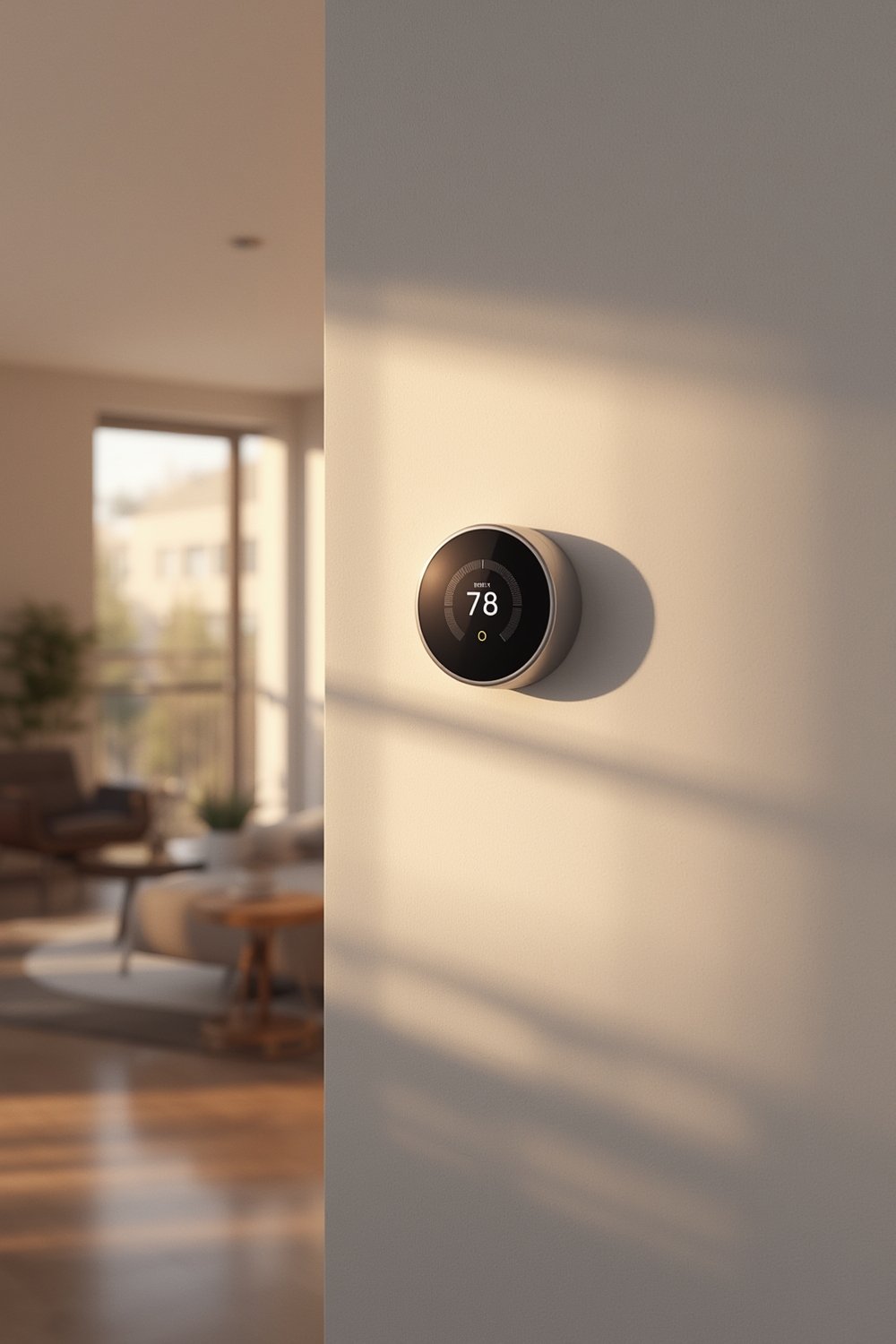
Smart thermostats fit right into the modern smart home, offering app-based control from anywhere and the ability to tailor temperatures to your actual lifestyle. If you’re improving your spa bathroom design or investing in wet room installation, it makes sense to upgrade your climate control as well—boosting both comfort and the long-term value of your home.
Step-by-Step Guide: How to Install a Smart Thermostat
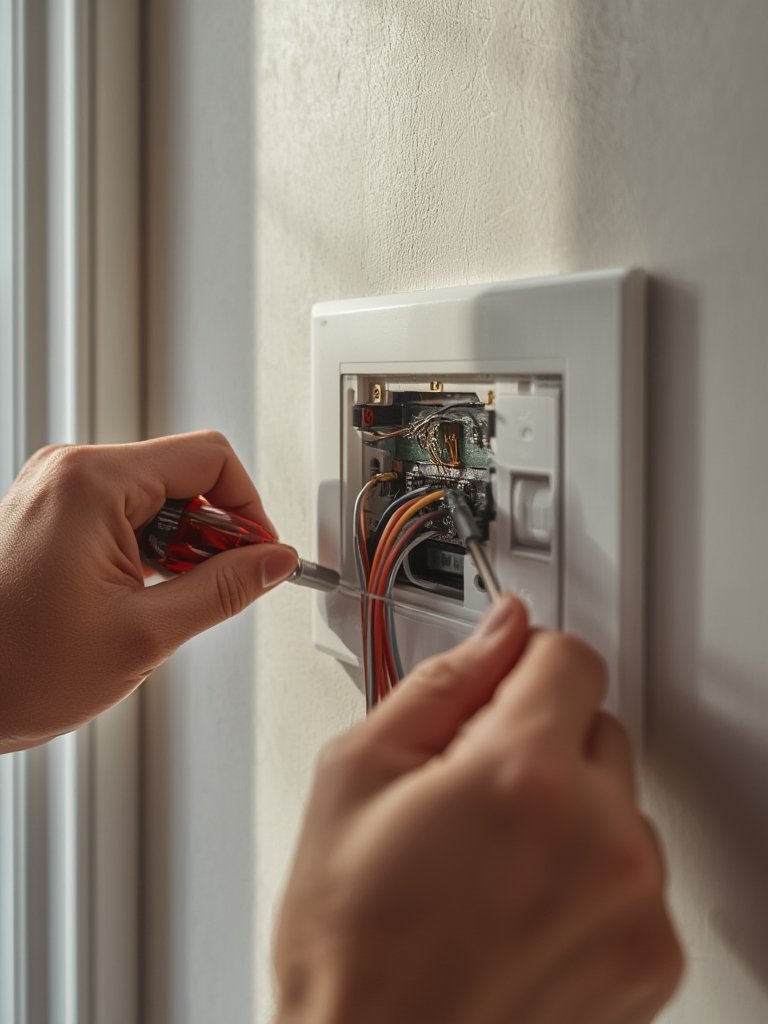
Installing a smart thermostat is usually straightforward, especially with Wi-Fi-enabled models designed for easy DIY setup. Here’s a clear step-by-step guide for most homes:
- Turn Off Power: Always switch off power to your thermostat at the breaker. Double check with a non-contact voltage tester.
- Remove the Old Thermostat: Gently pull off the faceplate of your existing thermostat. Photograph the wire positions and labels for reference.
- Check Wire Compatibility: Most smart thermostats need a ‘C wire’ (common) wire for power. If your system doesn’t have one, check the manufacturer’s solutions—many include adapters, but some situations may require an electrician.
- Mount the New Base: Screw in the mounting plate, pulling wires through the access hole. Level it so your thermostat sits cleanly on the wall.
- Connect the Wires: Match wires to the smart thermostat’s terminals as shown in your photo and the manual. Secure each wire firmly.
- Attach the Thermostat: Place the faceplate or unit onto the base. Restore power at the breaker.
- Configure Wi-Fi and Settings: Follow the on-screen prompts or mobile app instructions. Most models walk you through network setup, personalization, and linking with your smart home ecosystem.
Before starting, check your heating/cooling system type. While most modern systems are compatible, complex multi-stage, high-voltage, or proprietary HVAC setups may need special models or professional installation. It’s worth reading the full compatibility guide and FAQ of the thermostat brand you choose.
After installation, leverage your smart thermostat’s scheduling and learning features. Let it fine-tune settings for both comfort and savings, and connect it with other smart home devices for integrated automation—like setting a cozy ambient temperature before a relaxing evening with pillar candle centerpiece ideas or non-toxic candles.
Advanced Analysis & Common Pitfalls
Despite market claims of “plug-and-play” automation, smart thermostat installation isn’t always hassle-free. Here’s a realistic breakdown of what can go wrong and how to mitigate the most common pain points:
| Issue | How It Impacts You | Fix/Prevention |
|---|---|---|
| No C Wire Present | Smart thermostat won’t power up. Adapter may not always work. | Use included C wire adapter, or hire an electrician to run one from your HVAC board. |
| Wi-Fi Dead Zones or Unstable Network | Lose remote/app functionality or learning features. | Improve router placement or use a Wi-Fi extender. Secure strong signal at the thermostat. |
| Incorrect Wiring/Zone Configuration | HVAC system fails to activate, or only runs part of your setup (single vs. multi-zone issues). | Double-check model support and wiring diagrams before connecting. For complex or hydronic systems, consider professional setup. |
| Smart Home Integration Failure (Matter, Alexa, etc.) | Lose centralized app/voice control. Extra steps for automation setup. | Verify compatibility with your particular smart home hub/system before buying. |
| Software Bugs or App Issues | Lags or failures in changing temperature or learning schedules. | Update firmware and app regularly. Use brand support if issues persist. |
| Missed Rebate or Incentive | Lose $75-$100 in available rebates. | Check rebate eligibility before purchase; keep receipts and follow your utility’s claim process. |
| Privacy/Data Sharing Concerns | Some skeptical users worry about their home data being collected or misused by manufacturers, but hard analysis is lacking in current publicly available data. | Read and understand the privacy policy, and opt-out of non-essential data sharing wherever possible. |
Most issues can be traced back to skipping pre-checks. Study your HVAC setup, scan your Wi-Fi signal, and make sure your desired automation (like voice or Matter support) is actually supported by the device. If in doubt, contact the thermostat brand’s customer support before you buy.
Energy rebates can make a big difference in cost, with over 80 utilities offering $75–$100 per installation across North America (source). Missing these is an expensive slip—be thorough with paperwork.
If your main goal is cutting energy waste, modern AI smart thermostats outperform older programmable units. Research from SNS Insider and ENERGY STAR highlights potential savings of 10-15% annually, while advanced machine learning can push real-world results even higher.
U.S. households alone could save over $22 billion per year if smart thermostats became standard, according to Purdue University’s research.
Conclusion
Getting smart thermostat installation right means verified compatibility, careful step-by-step work, and using rebates to offset costs. These AI-driven upgrades are leading the market for a reason: energy and comfort gains are significant. While not every home will be plug-and-play, the vast majority can benefit—especially when you’re thoughtful about advanced scheduling, app integration, and leveraging automation. If you want a healthier, smarter living space, or are pairing your upgrade with stylish clean burning candles or a luxury spa bathroom, prioritize the installation steps and watch your bills and maintenance calls drop. For a home that works for you—start your smart thermostat installation now.
Ready to cut down on energy waste? Check your home’s compatibility, research your local utility rebates, and let smart scheduling put comfort on autopilot.
FAQ
Do I need a C wire for every smart thermostat?
Most smart thermostats require a C wire for power, but some models work without one using power stealing or include adapters. Always check wiring requirements before purchase.
Can I install a smart thermostat myself?
Yes, most Wi-Fi-based smart thermostats are DIY friendly. If you have unique HVAC features (multi-stage, high-voltage system) or no C wire, you may want a professional install.
What happens if my Wi-Fi goes down?
The thermostat will still control temperature locally, but you’ll lose app/remote access and certain learning features until Wi-Fi is restored.
Are there rebates or incentives for smart thermostat installation?
Yes, over 80 utility companies in North America offer rebates averaging $75-$100 per installation. Check your utility website for eligibility and claim process.
Does installing a smart thermostat really lower bills?
Research shows 10–15% in annual savings for most homes, with advanced models offering higher results through AI and predictive scheduling.